Exploring a list of the most common types of software applications: Comprehensive review
The most common types of software applications — web, mobile, desktop, and enterprise — with real examples to help you choose the right fit.

Application software is any program a person uses to get a task done, from writing a proposal to closing a sale, as opposed to system software, which runs the computer itself. Most businesses rely on the same seventeen types: twelve general-purpose categories (word processing, spreadsheets, presentations, multimedia, browsers, educational, graphics, freeware, shareware, simulation, open source and closed source) and five business categories (CRM, ERP, project management, business process management and databases). This guide lists every type with current examples, shows how to tell them apart, and ends with what matters when you build an application of your own instead of buying one. We first published it in 2024 and rewrote it in September 2026.
What is application software?
Application software is the layer you actually touch. It performs specific jobs, such as sending email, managing a project or analysing a spreadsheet, and it relies on system software underneath to talk to the hardware. Windows, macOS, iOS and Android are system software. Gmail, Excel and Jira are application software. The distinction matters when you buy or build, because application software is where your workflow lives and where the wrong choice costs time every day.
Three properties separate one application from another. What it does (its category, covered below). How it is delivered: installed on a device, opened in a browser as a web application, or shipped through an app store as a mobile application. And how it is licensed: paid, freeware, shareware, open source or closed source. Two applications in the same category can differ on all three, which is why the list below mixes categories and licensing models the way buyers meet them in practice.
Examples of application software everyone knows
If you have used Microsoft Word, Excel or Google Chrome, you already know three of the most widely used application software examples. They survived twenty years of competition because they solve common tasks well: writing, calculating and reaching the web. Slack for team messaging, Salesforce for customer relationships and Zoom for video calls are narrower examples; each was built for one business problem and grew into a platform.
Two newer patterns are worth naming because they change what "application" means. The first is the AI assistant inside an existing product: the drafting help in Google Docs, the Copilot in Microsoft 365 or the summaries in Zoom are features of application software, not separate programs. The second is the browser extension as a delivery model: small applications such as password managers or lead-finding tools that live inside Chrome rather than on the desktop. Our own ThauRed is one of those, a Reddit lead generation tool that runs as a Chrome extension and a web app, and it is a useful reminder that a modern business application often ships in two or three forms at once.
A list of application software types
Different businesses need different tools, so the list below covers the twelve types of application software that show up in almost every company, with the examples people actually use in 2026.
1. Word processing software
Word processing software is the tool for writing, editing and formatting documents. Microsoft Word remains the default for contracts, proposals and reports because of its formatting depth and offline use. Google Docs won the collaborative case: several people editing and commenting in one document in real time. Notion and Apple Pages cover the lighter end. If your team spends its day in documents, this category is where a bad choice is felt first.
2. Spreadsheet software
Spreadsheet software organises numbers, models scenarios and turns raw figures into something a manager can act on. Excel and Google Sheets dominate; Airtable sits between a spreadsheet and a database for teams that outgrow rows and columns. Budgeting, forecasting, pricing and ad-hoc reporting all start here, and most companies keep at least one process in a spreadsheet long after they should have moved it into a proper system.
3. Presentation software
Presentation software puts ideas into slides. PowerPoint and Google Slides are the standards, Keynote is the Mac favourite and Canva has taken a large share of the "make it look good fast" use case. Pitches, quarterly reviews and training decks live here. The category is stable, which is a polite way of saying nothing important has changed in it for a decade apart from AI-generated first drafts.
4. Multimedia software
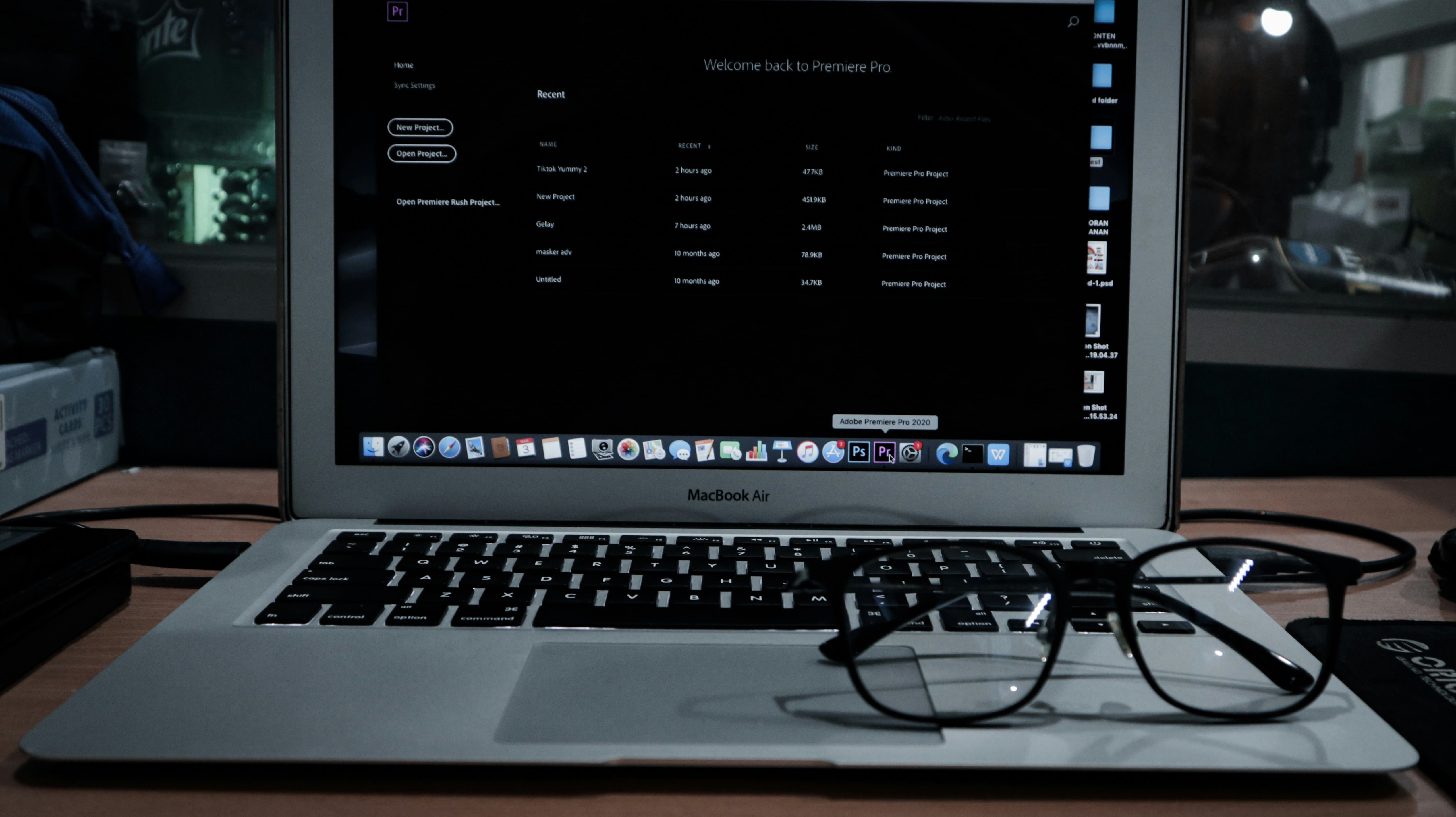
Multimedia software handles audio, video and animation. Adobe Premiere Pro and DaVinci Resolve for video editing, Audacity and Adobe Audition for audio, and OBS Studio for recording and streaming are the common picks. For most businesses the real question is not which editor to buy but who on the team will use it; the tools are cheap compared with the hours.
5. Web browsers
A web browser is application software that renders websites and, increasingly, runs other applications. Chrome, Safari, Edge and Firefox are the big four. Because so much business software is now delivered as a web application, the browser has become the operating system of the working day, and its extensions are a software category of their own.
6. Educational software
Educational software delivers training and tracks progress. Duolingo, Udemy, Coursera and Quizlet are consumer examples; inside companies the same job is done by learning management systems such as TalentLMS or Docebo. The business value is upskilling without classrooms, with a record of who completed what.
7. Graphics software
Graphics software creates and edits visual material: brand assets, marketing images, product interfaces. Adobe Illustrator and Photoshop remain the professional standard, Figma owns interface and product design, and Canva serves teams without a designer. If you are planning a product, Figma is where its screens will be born; our guide to wireframes, mockups and prototypes explains what each of those design artefacts is for.
8. Freeware
Freeware is fully functional software given away at no cost, with no trial period and no expiry. VLC media player, 7-Zip, LibreOffice and the free tiers of Zoom or Slack are everyday examples. Freeware is not the same as open source: the program is free to use, but the code may stay closed and the licence may forbid modification or commercial redistribution. For small teams it is often the sensible first choice; the cost shows up later as missing features or missing support.
9. Shareware
Shareware lets you try software before you pay, usually with a time limit or a reduced feature set. WinRAR's famously endless trial, evaluation versions of Sublime Text, and the trial editions of Adobe Creative Cloud apps are the classic cases. The distinction from freeware is the intent: shareware exists to convert you into a paying customer, which is why most of it is now simply called a "free trial".
10. Simulation software
Simulation software lets you test a scenario without real-world consequences. MATLAB and Simulink for engineering, AnyLogic for business processes and logistics, SimScale for physics simulation in the browser. Manufacturing, healthcare and finance use it to rehearse expensive decisions cheaply. It is a specialist category, but a fast-growing one as computing power gets cheaper.
11. Open source
Open-source software publishes its source code under a licence that lets anyone inspect, modify and redistribute it. Linux, WordPress, PostgreSQL, VS Code and most of the tooling behind modern web applications are open source. For a business the advantages are control and the absence of vendor lock-in; the cost is that support, hosting and security updates become your responsibility or your vendor's. Most custom software we build at IvorySoft stands on open-source foundations such as Node.js, React and PostgreSQL, and the client owns the result.

12. Closed source
Closed-source (proprietary) software keeps its code private. Microsoft Office, macOS, Adobe Creative Cloud and Salesforce are examples. You get a polished product, a support contract and a roadmap you do not control. Most of the software a company pays for by subscription is closed source, and that is fine as long as your data can leave when you do.
Business application software examples
The general categories above are tools individuals use. Business application software runs the company: it holds shared data and enforces shared processes. Five types cover most of what a growing business needs, and they are also the types companies most often end up building custom versions of.
Customer Relationship Management (CRM)
CRM software is the record of every customer interaction: contacts, deals, tickets, follow-ups. Salesforce, HubSpot and Pipedrive are the common choices. A CRM earns its keep when sales, support and marketing look at the same customer and see the same history. When an off-the-shelf CRM cannot follow your sales process, a custom one is a realistic project; we describe the steps in how to build a CRM.
Enterprise Resource Planning (ERP)
ERP software connects finance, inventory, purchasing and HR into one system of record. SAP, Oracle NetSuite, Microsoft Dynamics 365 and Odoo (open source) are the usual names. ERP replaces the spreadsheets and disconnected tools that departments accumulate, and its implementations are large projects precisely because they touch every process at once.
Project management software
Project management software tracks work: tasks, owners, deadlines and progress. Jira for engineering teams, Asana and Monday.com for operations, Trello for simple boards, Notion for teams that want documents and tasks together. The category is crowded because the problem is universal; the choice usually comes down to whether your team thinks in boards, lists or sprints.
Business Process Management (BPM)
BPM software maps a workflow, runs it and measures it. Approval chains, onboarding, claims handling and order processing are typical targets. Camunda, Appian, Pega and, at the lighter end, automation tools such as Zapier, Make and n8n all belong here. BPM is where "application software for business processing" turns into something concrete: a defined process with owners, timers and a log of what happened.
Database software
Database software stores and retrieves the data everything else depends on. PostgreSQL, MySQL and MongoDB power most web applications; Microsoft SQL Server and Oracle dominate the enterprise; Airtable and Supabase make databases approachable for teams without a database administrator. Every CRM, ERP and project tool above is a user interface on top of a database, which is why the choice of database matters more in a custom build than in anything you buy.
Web, mobile and desktop: how application software is delivered
The same application can exist as a desktop program, a web application in the browser and a mobile app in the stores, and buyers increasingly expect all three. Web applications are the default for business software because they need no installation and update instantly. Mobile applications win when the user is away from a desk or the phone's camera, location or notifications are part of the job; our article on the advantages of a mobile application for business covers when that is worth the extra platform. Desktop software survives where performance or offline work matters: video editing, engineering, point-of-sale.
Our own products show the pattern. My Baby is Hero, an AI bedtime-story app we build and run, ships on iOS, Android and the web from one codebase, because parents use it on a phone at bedtime and on a laptop when they set it up. The delivery model is a product decision, not a technical afterthought.
How to choose application software for your business
Start from the process, not the product. Write down the task the software must perform, who performs it and what "done" looks like, and only then compare tools. Four checks catch most bad purchases:
- Data ownership. Can you export everything in a usable format, and does the vendor's API let other systems read it?
- Integration. Does it connect to the systems you already run, through native integrations, an API or an automation tool?
- Total cost. Licence price is the smallest number; count seats, add-ons, implementation and the hours your team spends working around the tool.
- Fit over features. A tool that matches your process with fewer features beats one with every feature and a process you have to bend around.
If two or three categories above have no off-the-shelf tool that passes those checks, you have found the case for custom application software.
What to consider when developing your own application software
Build when the software is your competitive process, when off-the-shelf tools force you to run the business their way, or when the integration work between several bought tools costs more than one system that fits. Our comparison of custom software versus off-the-shelf tools walks through that decision with the total cost of ownership in view.
Once the decision is made, four choices shape the project. What the application must do for its first users, stated as outcomes rather than a feature list. The delivery model: web, native mobile, cross-platform or a combination. The data model, because the database outlives every screen built on it. And the scope of the first release, which should be the smallest version a real user can adopt; our guide to building a successful SaaS product covers how to cut that first scope without cutting the product's future. Every one of those choices moves the final cost more than the hourly rate of whoever builds it. Sourcd, a recruiting assistant we built as a Chrome extension with a web back end, is a typical example: one process the client's bought tools could not run, delivered as a small custom application rather than a platform.
Conclusion
Application software is the layer where a business actually works, and most companies run on the same seventeen types: twelve general-purpose categories and five business systems. Knowing the map makes buying easier and makes the build-or-buy decision an honest one. When the right tool does not exist, building it is a defined project with known steps, not a leap.
IvorySoft designs and builds custom web and mobile applications, from a first release to the systems a company runs on. See our software development services for how a build runs from first scope to release.
FAQ
What is application software? Application software is a program that performs tasks for a person or a business, such as writing documents, tracking customers or editing video. It sits on top of system software (the operating system), which manages the hardware and lets applications run. Word processors, spreadsheets, CRMs, browsers and mobile apps are all application software. The category is defined by purpose rather than technology: the same application can be delivered as an installed program, a web application or a mobile app.
What are the main types of application software? The twelve general types are word processing, spreadsheet, presentation, multimedia, web browser, educational, graphics, freeware, shareware, simulation, open-source and closed-source software; the last four describe how software is licensed rather than what it does. The five business types are CRM, ERP, project management, business process management and database software. Together they cover almost everything a company uses day to day, and most businesses run a mix of bought and custom applications across them.
What is the difference between application software and system software? System software makes the computer work: operating systems such as Windows, macOS, iOS and Android, plus drivers and utilities. Application software makes the computer useful for a task: email, accounting, design, sales. Applications depend on the system software beneath them but are chosen and replaced independently of it, which is why a business can switch its CRM without changing its laptops and vice versa.
What are examples of business application software? Common business application software examples are Salesforce, HubSpot and Pipedrive for customer relationship management; SAP, NetSuite and Odoo for enterprise resource planning; Jira, Asana and Monday.com for project management; Camunda, Zapier and n8n for business process management and automation; and PostgreSQL, MySQL and MongoDB as the databases underneath. Many companies also run custom applications built for a process no bought tool matches, such as a bespoke CRM or an internal operations platform.
When should a business build custom application software instead of buying it? Build when the process is your competitive advantage, when off-the-shelf tools force you to run the business their way, or when stitching several bought tools together costs more than one system that fits. Buy when the process is standard and a mature product already does it well. A useful test is total cost of ownership over three years, counting licences, integration work and the hours your team spends working around a tool that does not fit. IvorySoft helps clients make that call before any code is written.
If you are weighing a build against a bought tool, get in touch with a short description of the process you want to fix, and IvorySoft will tell you within a day whether it is a buy, an integration or a build.
