UI/UX design guide. Choose the right user experience strategy
Learn how ui and ux design can raise your business. What is the difference between ui and ux? How to hire the best user experience specialist for your project? | Ivorysoft Blog

User experience design can either boost your business or drown it, depending on your initial attitude to its importance, investments of time and effort as well as your level of engagement in the whole process.
In this article, we, along with our designers in Ivorysoft, have collected proven methods, techniques, and rules to optimize workflow at all stages of design development for your project.
Come up with an idea that works for YOUR business
Before you even embark on looking for a designer you should build up a prior vision of your future product’s look and feel. For that, you have to know your target audience and what mood you want to transmit to them.
You can take time to analyze your competitors’ software and specify the points you like and dislike about their designs. Upon such analysis, you’ll be able to find your unique path quicker and compose a general picture of your future software. Plus, you’ll better understand what is relevant on the market for your type of business and thus will be able to set the task for your UI/UX designer more accurately.
Also beneficial would be to compile references that resonate with you to simplify your future communication with the potential designer even more.
Therefore it is clear that you have to conduct some substantial preparation before searching for the right candidate.
Why you should always consider both: UI and UX
UI (user interface) and UX (user experience) are two integral parts of any software just like a car and its wheels. A car without wheels is useless, the same as wheels without a car.
All the design work always starts with the UX. It is how the blocks/buttons/icons are located and whether it is convenient for the users to navigate through them. When UX is well-thought-out, everything gets simple and clear for the customers, encouraging them to return to the product again and again.
When it comes to user interface design elements, it is all about our perception of an app or a website, like colors, fonts, images, etc.
What is the difference between UI and UX?
As was mentioned above, UX development is our first step in the long design process. Namely, these are the main questions we have to ask ourselves before getting to work:
- What problem do we need to solve?
- What functions will a future product have?
- How can we make the product clear and convenient for the users?
After we have full answers to the above questions, we begin with prototyping and further coordination of the appearance, making adjustments to the prototype as we go.
On the UI development part, we focus more on colors, shadows, states, sizes, fonts, etc. You should always analyze your work from the user’s perspective and think about whether it is pleasant for them to use your software or whether you manage to induce them to act a certain way. Also, check if it is easy and pleasant to read and understand your text.
Colors evoke various emotions in us, so always ask your designer to justify his/her choice of a certain color for your product.
For instance: RED helps people make decisions, invigorates, gives extra energy, encourages them to act.
YELLOW evokes associations with warmth, light, and joy.
ORANGE improves performance and concentration, helps to establish contact with other people.
GREEN is associated with coolness, calmness. It incurs peace and relaxation.
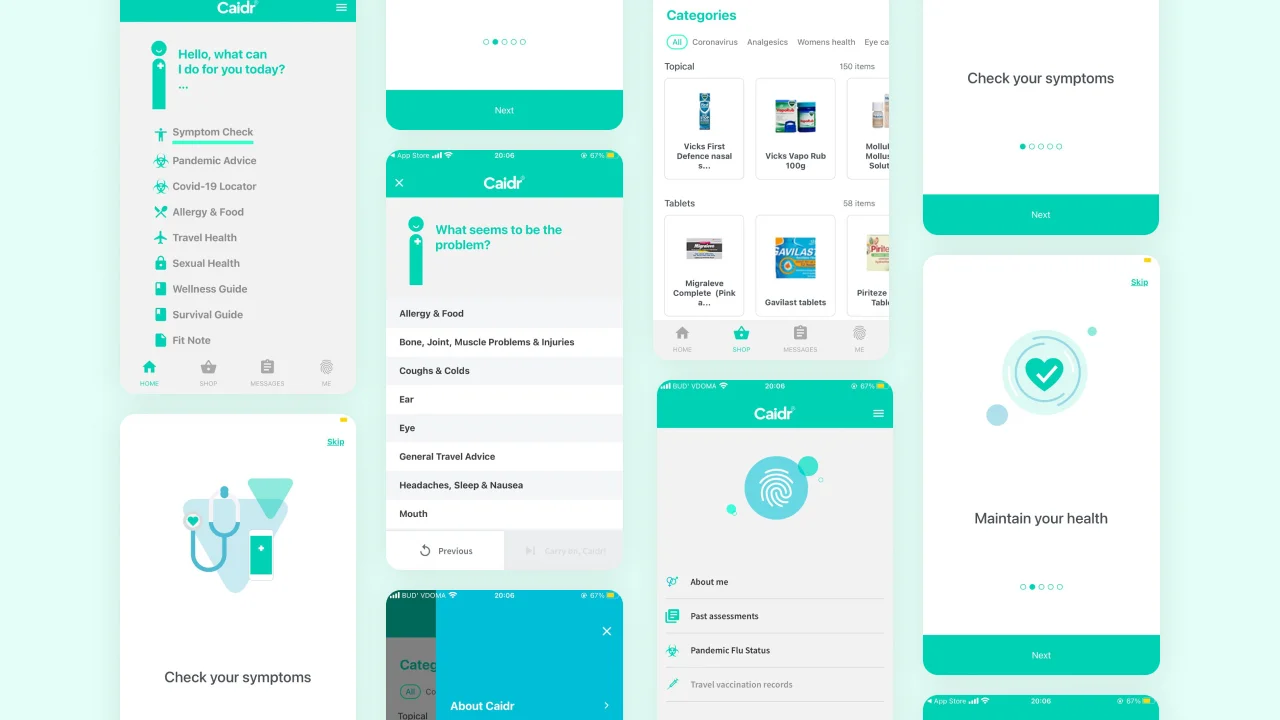
BLUE causes euphoria, joy, happiness, develops creativity, reduces fatigue, and stabilizes excessive emotionality. However, it also may lead to extra activity and arouse confidence just like other cool colors indigo, tiffany or azure, purple, and black. This is why hospital websites and healthcare applications are in shades of blue, white, and green, like, for instance, our Symptom Checker App, Caidr. These colors we usually associate with health. Whereas colors like yellow, orange, and red are more suitable for food delivery services, as they can increase appetite.
To encourage us to buy a house or an apartment, many realtors and real estate agencies capture our attention on their websites and applications by a dark blue color or various shades of blue.
The UI and UX difference is that a user experience designer plans out how to interact with the interface and what steps you need to take to get something done. The user interface designer in its turn comes up with how each of these steps will look like. As you can see from the examples above, UX and UI design directions are so closely related that sometimes the line is blurred. Therefore, usually, one specialist deals with both and in this case, his specialty is written with a slash.
Remember this before hiring a UI/UX designer
Below we cover key points you have to consider when hiring a user interface and experience designer.
1. Choose your option: agency, freelance UX designer, or in-house employment
The very first step you should take determines the talent pool you are going to target and also the choice of the platform to сarry out the search.
For instance, if you choose to hire an agency you need to consider the country/ countries you want your team to be from, then simply google the UI/UX design agencies in these areas, and check out their websites, and portfolios. After you’ve narrowed down your search to a few companies, you can contact each of them separately to make the final decision.
The other option could be posting a job alert on a platform like Upwork and highlight that you want to work with an agency only.
However, such platforms are also great if, for instance, you are not sure yet who you want to work with, a freelancer or agency. There you can post a job without picking any variant to see what kind of candidates respond and make up your mind as you go.
2. Set budget and time limits
This criterion depends on whether you are going to search for an experienced professional, confident middle specialist, or ambitious beginner. All the scenarios are worth examining and we recommend you to aim at a wider range of specialists as well as allow plenty of time for the search process to ensure you get to work with a qualified person.
3. Portfolio, portfolio, and portfolio
Always ask designers to send you links to their portfolios, only this way you can assess their experience properly and simply realize whether you like the style of this particular designer or not.
Checking a UI/UX portfolio is also relevant for the situations when you want to hire someone based on the recommendations of others like your friends or colleagues. If for them the person was just perfect it does not mean that for you the experience will be the same.
Also, you can save up much time needed for the project if you decide on a professional with experience in similar projects to yours.
4. Know the tools the designers use
To ensure a satisfactory result in advance you’ll need to be aware of the modern tools designers use in their work.
Read reviews on each of them and think of their pros and cons concerning your business and goals. Then based on your investigation, narrow down the search and look only for those candidates who have experience with the tool that you choose as fitting the best for your future product. Below we discuss the most popular of them.
However, you should better not rely on yourself only and also seek professional advice on the topic, like on forums, for instance.
5. Set up an interview before hiring
Once you’ve chosen a few candidates it is time to have an interview with each of them. We suggest a video call to simply see who you are going to work with, check the person’s attitude to work, and ask crucial questions.
6. Emotions aside
Remember to choose wisely and take enough time for the final decision. This choice defines whether the result will meet your expectations and whether potential customers will use your product at all.
The big question on UI/UX trends: follow or not to follow
Design tendencies are changing at a tremendous pace. So, designers are trying to keep up with the flow and at the same time strive for uniqueness, something exceptional and beautiful to stand out among others. Yet it is necessary to remember the following formula: the simpler the design, the better. As if your app/website is stuffed with too many trendy elements your users can get overwhelmed and leave to find a more understandable product.
Today we have a trend on pictures, tomorrow the trend will be on round buttons, the day after tomorrow – without buttons, and so on. There is no need to guess, rather cultivate the habit to constantly learn all that is new. However, it is important not only to follow the trends but also to analyze them well, as you have to understand whether any given trend is relevant for your business and whether it has the potential to boost it. For instance, you cannot make a delivery application that looks like a VOGUE magazine, it is possible, of course, but no one will use it.
When analyzing trends you should remember the next rules: the less the better what concerns UX, and the simpler, the better for UI.
Figma, Sketch, or Adobe XD?
All three programs perform the same function: interface design/development. Still, there are some differences.
Figma is a workspace for creating interfaces (UI/UX). The first version of the product was released in 2016. Its main peculiarity is a free web version, which ranks alongside the quality of its downloadable competitors.
Figma has a very clear and pleasant interface, the best thing about it is the possibility to output to the raster or vector file any formats you need (png/jpg/svg/pdf). Plus, it has an interactive prototyping feature alike to its competitors.
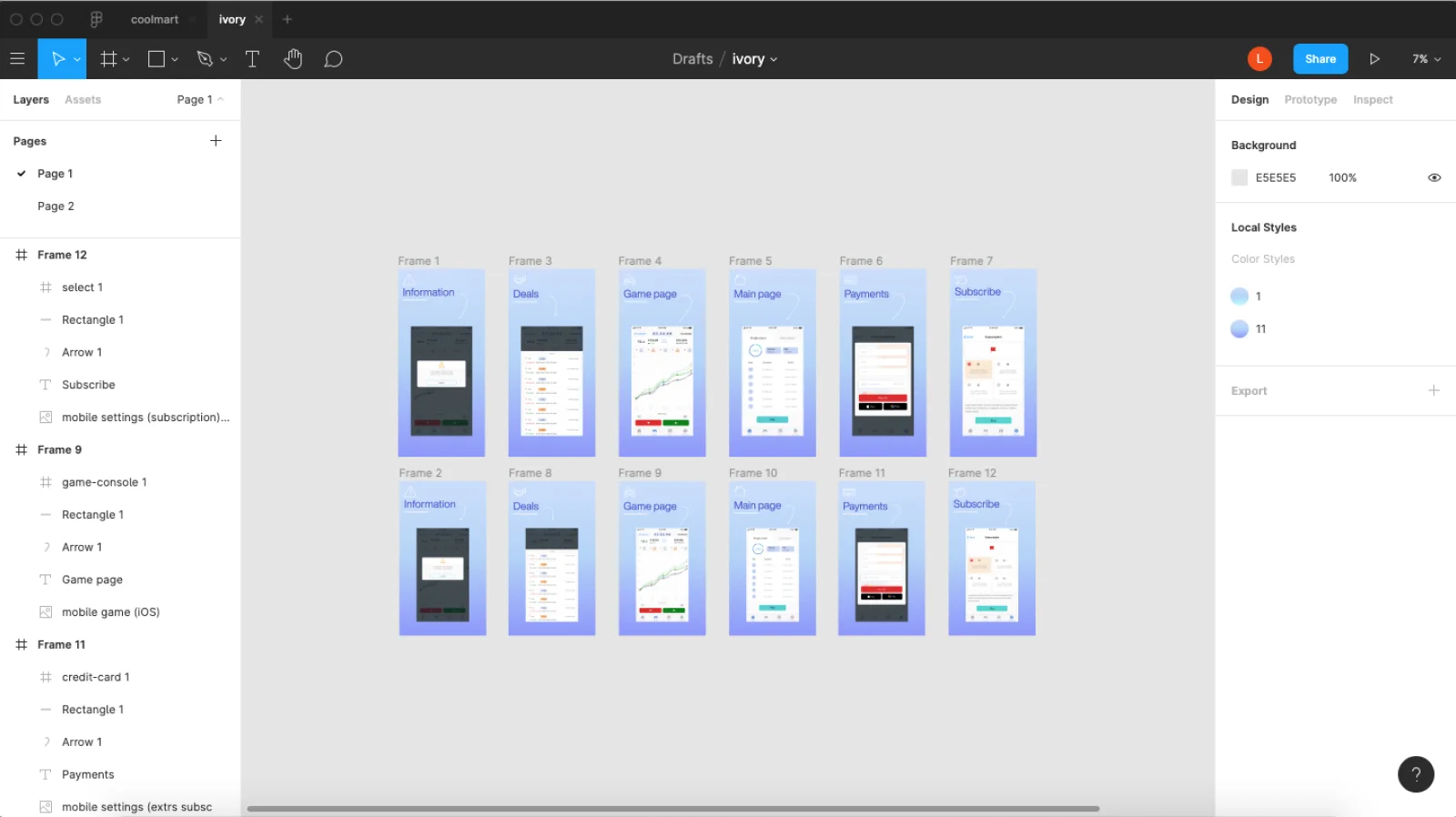
Adobe XD predates Figma by a full year and appears in 2015 only without a web version. Adobe developers might have considered it unnecessary, as all designers manage to work smoothly in the full version of the program.
In terms of functionality, it is no different from Figma. The sources can be obtained in the same formats as in Figma (png/jpg/svg/pdf), and it also supports interactive prototypes.
Nevertheless, there are designers of two kinds: Figma lovers and Adobe adherents. The reason could be the fact that earlier, Photoshop was the most popular tool for website design, but it took much time and effort to work in it. So, Adobe decided to add Adobe XD to its package. That’s why previous Photoshop users have switched to Adobe XD and decided to stick with it.
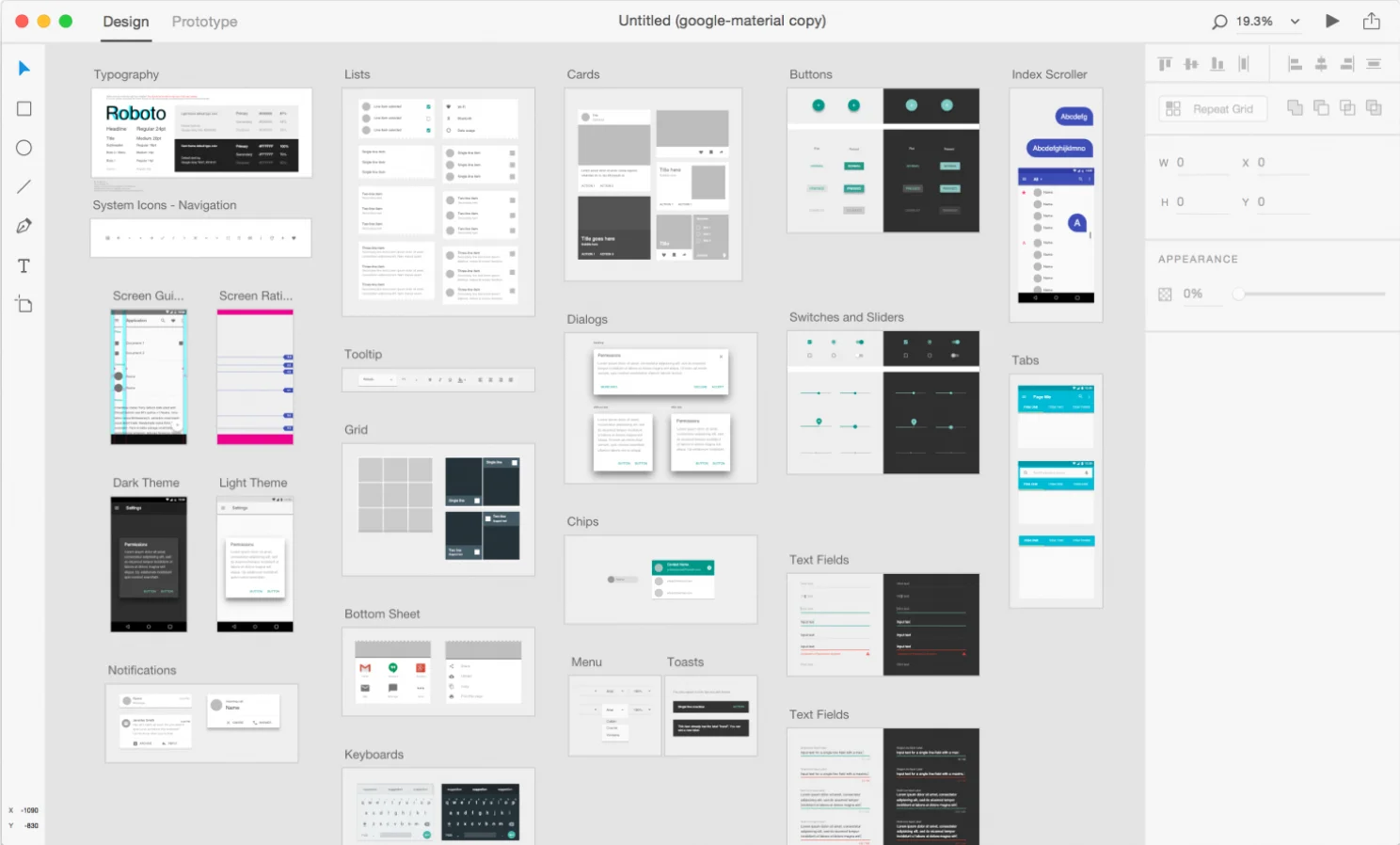
Sketch is a dad of all design programs. Its first version was released in 2010 and not long after that won the Apple Design Awards in 2012.
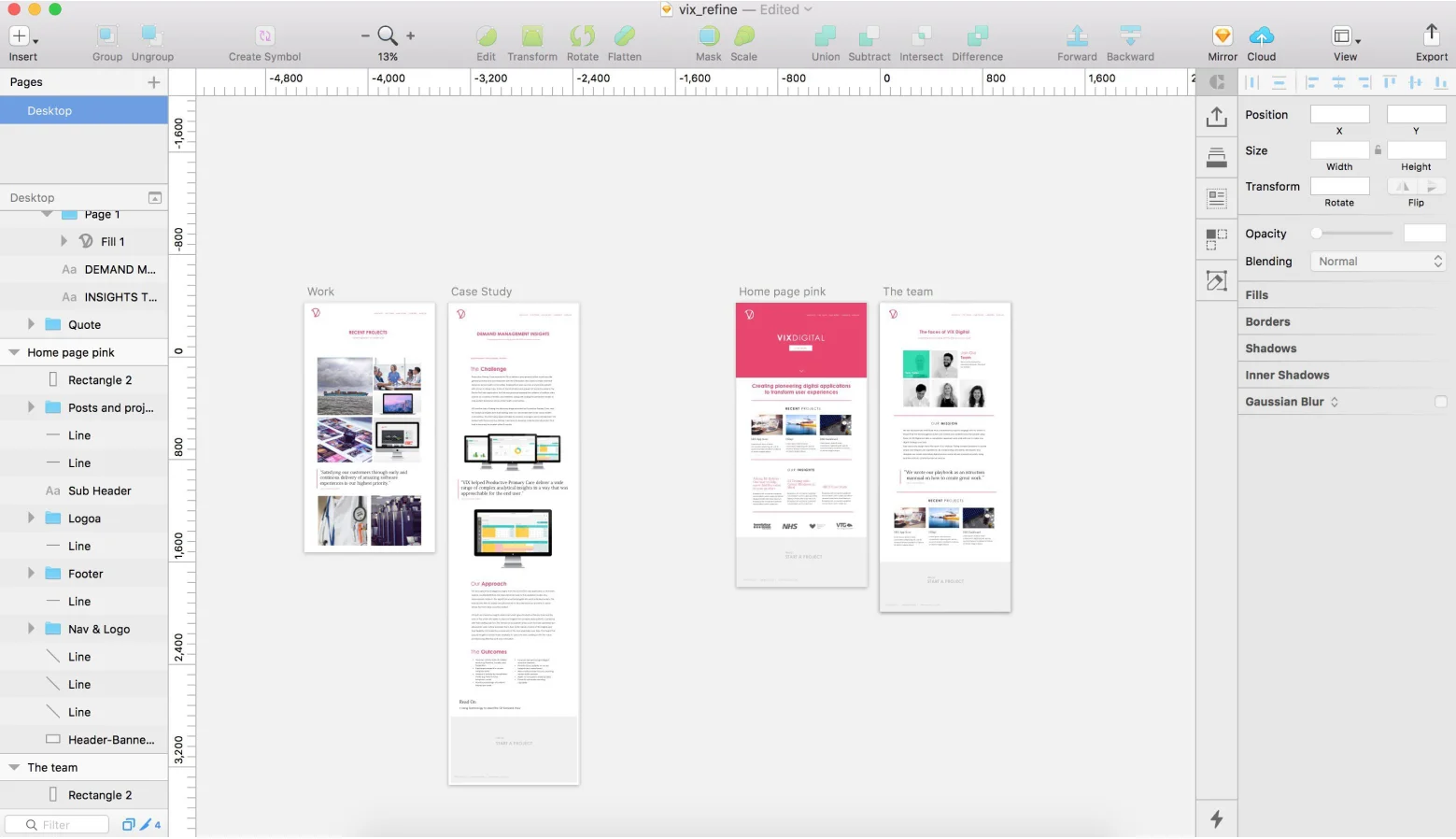
The main thing that differentiates Sketch from Figma and Adobe XD is its compatibility only with Apple devices, namely Macintosh software (Mac OS: MacBook/iMac). This platform also does not have a web version, although Apple promises to add it, as the necessity to maintain the product at high rates is essential for the company.
Sketch uses the features of the built-in macOS tools: QuickTime, Quartz Extreme, Core Image, Core Animation, OpenGL, and ColorSync. It also has great integration with other software and web services like InVision, Marvel, Jira, Zeplin, and Avocode.
3 things to know when giving feedback to your UI/UX specialist
As a client, you have a right to review the work of your designer along the way. If you work with a freelancer, you can make use of some methods of agile framework like sprints and regular calls/meetings. This way, you get a chance to see how your project evolves step by step and will be able to make changes on the go.
Here are the 3 tips on how you should provide the designer with feedback the right way:
1. Say what you dislike the moment you see it
There is no need to shy away or keep your concerns for later, most likely, you’ll forget to mention them. For that reason, regular video/audio calls are a necessity.
2. Be honest, speak to the point, and suggest alternatives/help
It seems like more than one tip, but these are certain stages of being constructive. If everything is clear with honesty and speaking to the point, suggesting help is worth more attention. In our understanding, it means to ensure your designer that you are one team and if necessary they can always rely on you.
3. Show respect and understanding to the designer’s work
Trust and respect the person you’ve never worked with can be tough. Although if you accurately go through all the previous stages of hiring a designer, most likely you’ll find the right professional. That’s why being respectful to someone’s work, time, and effort is a must, remember that it is your reputation we talk about.
How to evaluate the result and not miss out on something
If you manage to monitor the design process properly along the way, pay enough attention to every detail, always keep in mind your business goals. The result must be satisfactory and meet your expectations or even surpass them.
Otherwise, if you let the designer handle their work all alone without constant revision, you risk wasting more time and money on the serious alternations in the future. You are the person who needs to show the biggest interest and concern in the project, and if you fail with this task, the result will be a failure as well.
That’s why as the project evolves, you have to talk directly and clearly with your designer and provide them with timely and constructive feedback. If you follow these simple rules, you’ll significantly reduce the time necessary for the end-result evaluation and the chances for any additional corrections afterward.
Make sure you devote enough time and attention to all the stages of the design process, and then the desired result that helps to achieve your goals will not be long in coming.
We at Ivorysoft have experience in developing UI / UX design for websites and applications, proven by many successful cases. Our team is ready to help and bring your project to life. Specify a convenient time for yourself to meet with Ivorysoft CEO.
