A comprehensive guide on how to master mobile app architecture
In this article, we’re breaking down the blueprint that turns ideas into must-have mobile apps — let’s get started!

Mobile apps are more popular than ever, and it’s no surprise why. They’re easy to use, always at our fingertips, and there’s a platform for just about everything. According to Statista report, as of August 2024, Android users could choose from a staggering 2.3 million products, making Google Play the largest app store out there. Not far behind, the Apple App Store boasts around two million solutions for iOS. Those numbers speak for themselves, and the demand for mobile apps from businesses is only getting stronger.
But before jumping into the development process, there’s one thing that can’t be overlooked — mobile app architecture. It’s the foundation of any successful project, and in this guide, we’ll lay out everything you need to know about it.
What is mobile application architecture?
Mobile application architecture refers to the structure of an app, outlining how different elements work together. It defines the core components, including the front end (what users interact with) and back end (the server, database, and other behind-the-scenes processes).
This architecture helps ensure that the platform is organized, runs efficiently, and can be easily updated as needed. More so, this critical part of planning affects the performance, scalability, and ability to handle future growth. Getting the structure right lays a strong foundation for the app’s success.

Components of mobile application architecture
Mobile app architecture is made up of different elements that work together to keep the app running smoothly. These parts are organized into layers, each handling a specific task, from how the product looks to how it processes data. What are they, and which purpose do they serve — let’s take a look at the next chapters.
Presentation layer
The presentation layer is the part of the mobile app that people interact with. It includes everything from the design, buttons, and navigation to the overall look and feel. The key elements are the user interface (UI) components and the user experience (UX) design. In simple terms, this layer is responsible for delivering a smooth and intuitive use, ensuring that the app is visually appealing.
Business layer
The business layer is where the app’s logic and core functions are handled. It processes data, rules, and operations behind the scenes, making sure that everything works as intended. This layer takes user inputs from the presentation layer and processes them according to the app’s business rules. For example, if a platform needs to process payments or manage people’s accounts, the business layer handles those tasks.
Data layer
The data layer is responsible for storing and managing all the app’s information. This includes retrieving inputs from a database, sending them to the business layer for processing, and saving any updates or changes made by the user. It ensures that the app can securely and efficiently handle large amounts of data, whether it’s customer profiles, transactions, or other critical details.
This layer usually consists of a database and data access components that allow the app to communicate with external systems. It also handles tasks like information encryption, backups, and synchronization between local and remote storage.
Architectural considerations for different platforms
When developing a mobile app, the platform you choose has a big impact on the structure. Android, iOS, hybrid, and cross-platform — each has its own specific architectural needs, and in the following sections, we’ll explore their key components and patterns.

Android app architecture
Android app architecture is built on a few key pieces that shape how the product runs and how people interact with it. At the core, you have activities, which are basically individual screens, and fragments, which are smaller, reusable parts of the UI that can move around within those screens. These two work together to make sure the app’s interface feels smooth and responsive as users go from one screen to the next.
When it comes to organizing the app’s logic, Android uses patterns like MVC (Model-View-Controller) and MVVM (Model-View-ViewModel):
- MVC helps break the app into three parts: Model (the data), View (what the user sees), and Controller (the logic that ties them together). This setup makes it easier to update the UI without messing with the rest.
- MVVM takes it a step further by adding the ViewModel, which helps manage the logic and data separately from the UI. This makes things more structured and easier to maintain as the app grows.
Android also provides a wide range of libraries and APIs that help with integrating common functions. Among them are:
- Room for managing local data and databases.
- Retrofit for handling network requests and API calls.
- LiveData and ViewModel to keep the UI in sync with data changes without any hiccups.
These tools, combined with the right architecture patterns, help build Android apps that are easy to maintain, scalable, and ready to deal with simple UI updates or complex tasks in the background.
iOS app architecture
iOS app architecture is designed to give developers flexibility and control over how their product functions. Just like in Android, iOS uses patterns to organize the logic of the app. The most common ones are MVC (Model-View-Controller), MVVM (Model-View-ViewModel), and VIPER.
- MVC is a simple pattern where the data (Model), UI (View), and logic (Controller) are separated, making it easier to maintain and update the app.
- MVVM adds an extra layer with the ViewModel, which handles data and logic separately from the UI, making things more scalable.
- VIPER takes it even further, breaking the app down into five distinct components: View, Interactor, Presenter, Entity, and Router. This approach is great for larger, more complex products because it clearly defines each part, making development and testing easier.
When it comes to building the interface, iOS developers typically use UIKit or SwiftUI. The first one is the more traditional framework that gives a lot of control over how the app’s UI behaves. It’s been around for a while and is still widely used for many products.
SwiftUI is the newer framework, offering a more modern way to build UIs. It’s designed to be simpler and faster, allowing developers to create apps using declarative code, which means you describe what the UI should look like, while SwiftUI handles the rest.
Hybrid app architecture
Hybrid app architecture is a blend of both native and web technologies, allowing developers to build solutions that work across multiple platforms with a single codebase. This means you can create a product that runs on both Android and iOS without having to write separate versions for each. If you want to know more about this type of mobile app, our article Explaining the term “hybrid mobile app” and why your business may need one can greatly help with it.
The key to hybrid apps is using frameworks like Cordova and React Native.
- Cordova wraps a web app inside a native container, giving it access to features of native devices like cameras or GPS. It’s a great solution if you’re mainly building with web technologies like HTML, CSS, and JavaScript but want the app to feel native.
- React Native, on the other hand, allows you to write the majority of apps in JavaScript while still using native components. This results in better performance than Cordova because React Native renders real native UI elements rather than relying on a web view.
Hybrid app architecture offers a middle ground between the full customization of native apps and the simplicity of web apps. It’s ideal for businesses that want to reach a broader audience quickly without investing heavily in building separate products for each platform.
Cross-platform app architecture
Cross-platform app architecture allows developers to create a single solution that works on multiple platforms, like Android and iOS, using one codebase. This approach saves time and effort, as you don’t need to build separate product for each marketplace. One of the biggest benefits of cross-platform development is its efficiency — you can reach a broader audience faster without sacrificing much in terms of functionality or user experience.
One of the most popular tools for this is Flutter, a framework developed by Google. It uses a single codebase to create natively compiled applications for mobile, web, and desktop. The key advantage is performance. Since it binds directly to native code, apps built with Flutter often run just as smoothly as fully native ones. Additionally, it offers a rich set of pre-designed widgets, making it easier to build beautiful, responsive UIs.
Cross-platform development offers a practical solution for businesses looking to get their apps to market quickly without the hassle of managing multiple codebases. With frameworks like Flutter, it’s possible to build solutions that feel native while still benefiting from the speed and simplicity of a unified development process.
What to take into account when developing a mobile app architecture?
Crafting a mobile app architecture requires not just understanding the technical details. Recognizing this, we can’t leave you without some expert recommendations. There is so much to consider, and having a clear plan is essential. In this section, we’ll share key tips on how to build an app with a strong foundation.
Focus on intuitive UI/UX design
The first point on our list is an intuitive UI/UX design. The UI is what users see and interact with, so it needs to be visually appealing and easy to use. A confusing layout or cluttered design can quickly turn people away. Keep things simple — focus on clear icons, legible fonts, and consistent navigation, making it easy for users to move through your app.
On the other hand, UX is about how the product feels during use. The goal is to create a flow that guides people from one task to the next. To achieve this, consider the user journey and how each feature of the app supports their goals. For example, minimize the number of steps needed to complete logging in or making a purchase. Gathering feedback during this process is essential to find out real user’s reactions and fine-tune the experience.
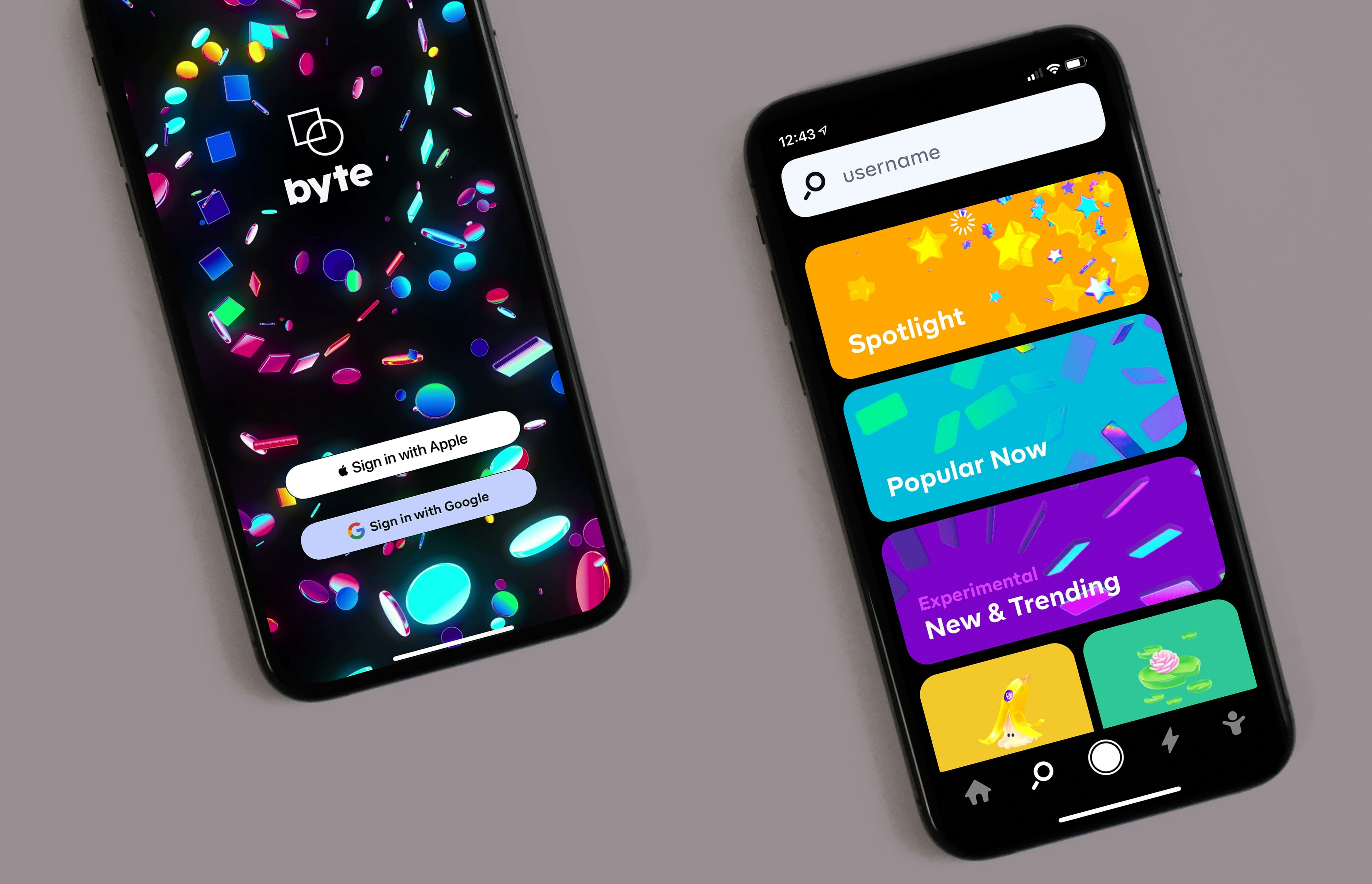
Optimize architecture for device features
To greatly enhance your future app performance, optimize the architecture to device features like sensors, cameras, and hardware capabilities. Options such as GPS, accelerometers, or the camera can be used creatively to deliver a more engaging experience. The key is to design the app in a way that integrates these functions without causing lags or performance issues.
When thinking about device optimization, focus on how these tools can make your product more useful. For example, fitness apps benefit from motion sensors, and social media apps can improve functionality with cameras or microphones. However, keep performance in mind. Always test on real devices to ensure the architecture handles these features efficiently while maintaining a good user experience.
Build a collaborative development team
A strong development team is one of the best ways to ensure your mobile app project runs smoothly. It’s a fact that front-end developers should have the right technical skills for the UI and back-end developers for the app’s logic. But the main thing is to find people who communicate well and work seamlessly together.
To create that kind of team, focus on bringing in specialists with different but complementary talents. You want a mix of developers, designers, and testers who can balance each other’s strengths. If you need extra support here, turn to IvorySoft for a dedicated team ready to jump in and bring the app to life. Our experts work well together, encouraging everyone to brainstorm and get creative ideas.
Create clear and effective design diagrams
Clear design diagrams are a must for getting complex architecture ideas across to your development team. They help simplify the technical details, making it easier for everyone to understand how the app’s components connect and work together. Without a solid visual guide, things can quickly get confusing, which might lead to miscommunication and mistakes.
When putting together an architecture diagram, aim for simplicity. Highlight the main components and avoid clutter. Use consistent shapes and lines to show how everything fits together, and make sure the labels are easy to read. Group related parts to show how they interact and keep the layout clean and logical. The goal is to create a diagram that’s informative but easy to follow so your team can see the big picture without getting lost in the details.
Implement software reuse and scalability strategies
Reusing code is one of the smartest ways to save time and effort during development. Instead of writing the same logic over and over, you can create flexible components that work across different parts of the app. This makes updates easier and keeps everything consistent. It’s also a good idea to rely on libraries and frameworks that encourage code reuse, making things even smoother.
Scalability is another big factor to consider from the start. You want to design the app’s architecture in a way that allows it to handle more traffic or new features without a complete redesign. Using cloud-based solutions or structuring code so it can easily expand are great ways to make sure the platform can grow as your user base does. Planning for scalability early on can save a lot of trouble down the line.
Ensure data security and optimize app performance
Data security and app performance go hand in hand and are the things you can’t afford to overlook. Making sure user details are protected should be at the top of your list — whether that’s through encryption, strong authentication methods, or following best practices for managing sensitive information. Regular checks and updates can help you stay ahead of potential risks, giving users peace of mind and building trust in the app.
At the same time, your platform needs to run smoothly and quickly. No one likes a slow or buggy app, so it’s important to optimize performance. Simple tweaks like reducing image sizes, caching data, and fine-tuning how the app processes information can go a long way. It’s also a good idea to conduct testing under different conditions, so you know the product performs well across various devices and network speeds.
Adapt to evolving technologies and OS
As technology and operating systems evolve, the app’s architecture needs to keep pace. New features, frameworks, and OS updates can change how your product functions, so it’s important to build with flexibility in mind. Staying informed about upcoming OS changes and new tech trends helps you ensure the app is compatible and performs well.
To keep the platform future-proof, design it to easily adapt to new tools and requirements. Using regularly refreshed APIs and creating scalable backends can make transitions smoother. Plus, testing the app with beta versions of new OS releases can help catch potential issues early. By planning for change, your final result will be able to evolve with new technologies and stay relevant long-term.
Final notes
As you can see, there’s a lot to consider when developing a mobile app architecture — be it design, performance, security, or future adaptability. It can even feel overwhelming, but you don’t have to figure it all out on your own. The IvorySoft team is here to help navigate the entire process, from the very first steps to the functional product. With our expertise, we’ll make sure the app is built on a strong foundation, ready to scale and succeed. Contact us, and let’s turn your app idea into reality.
FAQ
What are the key components of mobile app architecture?
Mobile app architecture includes the presentation layer (UI/UX), business logic layer (app functionality), and data layer (storage and data management). These components work together to ensure the app runs smoothly.
How does user interface (UI) and user experience (UX) design impact app architecture?
UI/UX design shapes how users interact with your app. A well-designed interface and smooth user experience are essential for creating an app that’s intuitive and easy to navigate, which directly influences the overall structure.
What are architectural patterns, and how do they affect mobile app design?
Architectural patterns like MVC, MVVM, and VIPER organize your app’s structure, making it easier to manage and scale. Choosing the right ones helps keep the app efficient, maintainable, and adaptable as it grows.
